
We are only able to ship to Guernsey
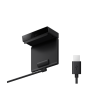
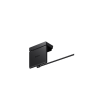
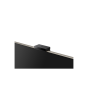
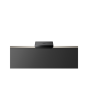
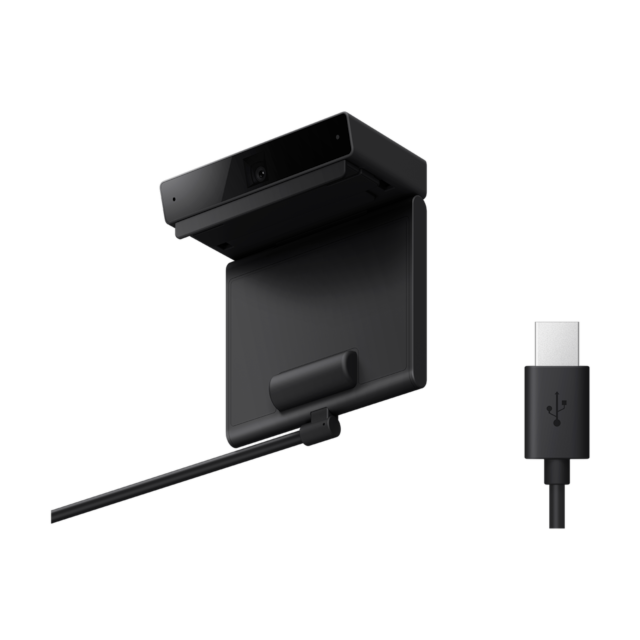
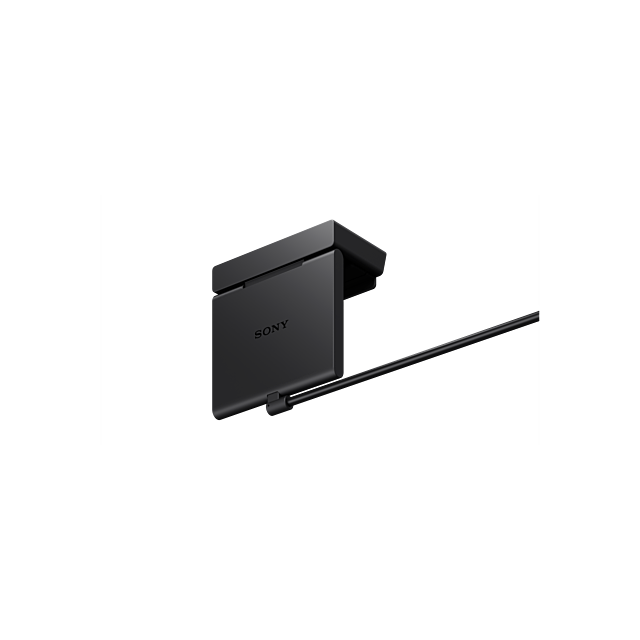
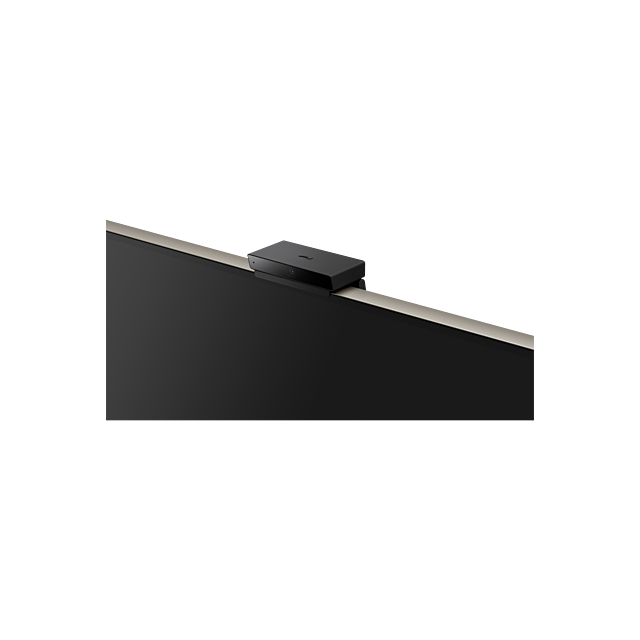
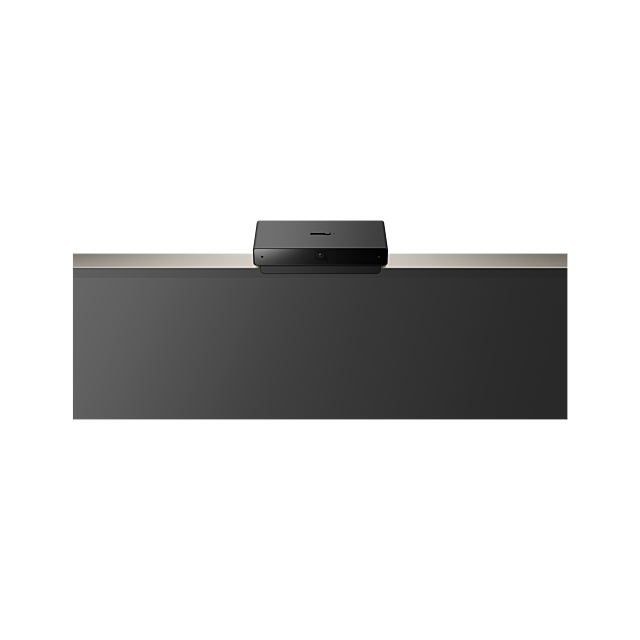


Sony CMUBC1 Bravia Camera
£159.00
IN STOCK NOW
- Warranty 1 Year
Discover new ways to enjoy TV with BRAVIA CAM
Manufacturer Guarantee:
1 year
EAN:
4548736140394
BRAVIA CAM with Ambient Optimization Pro, automatic Voice Zoom adjustment, Proximity Alert, Gesture Control and Auto Power Saving Mode
Ambient Optimization Pro
Connect the Sony BRAVIA CAM to your BRAVIA XR TV and enjoy television like never before. BRAVIA CAM recognises where you are in the room and how far you are from the TV, then adjusts sound and picture settings so they're just right. This means audio - including dialogue - is clearer and more immersive with picture brightness tailored to your viewing environment.
Sound Auto Calibration - L/R balance adjustment
BRAVIA CAM follows you and your position, even if you are watching from the sides, then adjusts left and right sound balance for optimum acoustics. Wherever you are in the room, you'll enjoy the same sound quality as if you're sitting right in front of the TV.
Sound Auto Calibration - Auto Voice Zoom
By detecting your viewing distance, BRAVIA CAM is able to adjust voice zoom automatically so you can hear dialogue clearly. The volume of TV dialogue increases when you move away from the TV and decreases when you get closer.
Auto Power Saving Mode
Auto Power Saving Mode optimises your power consumption by darkening the screen automatically when you are not in front of the TV.
Easy to connect, easy to close
Connecting BRAVIA CAM to your BRAVIA TV is quick and easy via USB. Use the camera cover switch on top of BRAVIA CAM to close the camera cover if you want more privacy at any time.
Ambient Optimization Pro
Connect the Sony BRAVIA CAM to your BRAVIA XR TV and enjoy television like never before. BRAVIA CAM recognises where you are in the room and how far you are from the TV, then adjusts sound and picture settings so they're just right. This means audio - including dialogue - is clearer and more immersive with picture brightness tailored to your viewing environment.
Sound Auto Calibration - L/R balance adjustment
BRAVIA CAM follows you and your position, even if you are watching from the sides, then adjusts left and right sound balance for optimum acoustics. Wherever you are in the room, you'll enjoy the same sound quality as if you're sitting right in front of the TV.
Sound Auto Calibration - Auto Voice Zoom
By detecting your viewing distance, BRAVIA CAM is able to adjust voice zoom automatically so you can hear dialogue clearly. The volume of TV dialogue increases when you move away from the TV and decreases when you get closer.
Auto Power Saving Mode
Auto Power Saving Mode optimises your power consumption by darkening the screen automatically when you are not in front of the TV.
Easy to connect, easy to close
Connecting BRAVIA CAM to your BRAVIA TV is quick and easy via USB. Use the camera cover switch on top of BRAVIA CAM to close the camera cover if you want more privacy at any time.
| Manufacturer | Sony |
|---|---|
| GTIN | 4548736140394 |
| Model Number | CMUBC1 |
Write Your Own Review
